Scenes
A scene is one context of the game, with its own state, its own update and its own drawing: a main menu is a scene, a level is a scene, a pause overlay is a scene. The game is a stack of them, and moving between screens is putting one on that stack or taking one off.
A scene is a class#
Derive from rmp::Scene and override what the scene
needs. Every hook has an empty default, so a scene that only draws overrides only
_draw():
#include <rmp/scene.h>
#include <rmp/ui.h>
#include <rmp/app.h>

class MainMenuScene : public rmp::Scene {
    void _draw() override {
        rmp::ui::begin();
        if (rmp::ui::button("Play")) rmp::Scene::change<GameScene>();
        if (rmp::ui::button("Quit")) rmp::app::quit();
        rmp::ui::end();
    }
};
The game starts with one scene, named once in src/main.cpp:
RMP_GAME(MainMenuScene);The underscore is a rule that holds across the whole framework: a method whose name starts
with _ is one the framework calls on your type. You override it; you never call it.
Its other half is on_: a function you hand to the framework, which it calls when
something happens.
The hooks#
These are the methods a scene overrides, and when each one runs.
| Hook | Runs |
|---|---|
_ready() | Once, when the scene enters the stack. The window exists by then, so this is where assets load. |
_update(float delta) | Every frame, unless a scene on top of it freezes it (see below). delta is the seconds since the last frame. |
_draw() | Every frame, in screen space, after the scene's objects and its map have been drawn. |
_suspend() | When another scene is pushed on top of this one. It is still alive and still owns everything it owned. |
_resume() | When the scene on top of it comes off again. |
_end() | Once, when the scene leaves the stack for good. Not on a suspend. |
It is _end and not _exit because exit() is a function of
the C library, and a member with that name in a class you write would hide it.
Moving between scenes#
The four calls that change the stack are static, because navigation is a service and not a
property of one scene: rmp::Scene::change<GameScene>() reads the same from
inside a scene, from a callback, or from anywhere else.
| Call | What it does |
|---|---|
change<T>(args...) | Clears the stack and starts T. Every scene that was on it gets _end(), top down. |
push<T>(args...) | Puts T on top. The scene underneath is suspended, not ended. |
replace<T>(args...) | Swaps the top scene only. Whatever is under it is untouched and stays suspended. |
pop() | Takes the top scene off and resumes the one under it. |
replace is the one that is easy to overlook: it is level 3 becoming level 4
without disturbing the pause menu that put you there.
All of it happens at the end of the frame#
These calls record what to do and return; the change happens when the frame ends. That is
not an optimisation. Most of these calls come from inside the very scene that is about to go away
— if (rmp::ui::button("Play")) change<GameScene>() sits in the
_draw() of the menu that disappears — and destroying the menu there would pull the
floor out from under the code that is still running in it.
The same scene asked for twice in one frame is pushed once: two end conditions that fire in the same frame do not stack two game-over screens.
Popping the last scene is refused with a warning, because the app would be left with nothing to
draw — a black window on a desktop, and on iOS no way back at all. To leave, call
rmp::app::quit().
Passing data to the next scene#
The arguments of change, push and replace go to the new
scene's constructor, so data crosses a transition the way it crosses into any object:
class GameScene : public rmp::Scene {
public:
    GameScene(int level, Difficulty difficulty) : _level(level), _difficulty(difficulty) {}

private:
    int _level;
    Difficulty _difficulty;
};
and, wherever the game starts a level:
rmp::Scene::change<GameScene>(3, Difficulty::HARD);No dictionary to look things up in, and no globals. To use designated initialisers, give the
struct a name — change<GameScene>(GameScene::Start{ .level = 3 }) — because a
braced list cannot deduce its type through a variadic template. That is C++, not a choice of the
framework's.
What a scene lets through#
When a scene is pushed on top of another, three fields decide what still reaches the one underneath:
| Field | Default | Means |
|---|---|---|
updates_below | false | The scene below keeps running. |
draws_below | true | The scene below stays on screen. |
input_below | false | The scene below still sees input. |
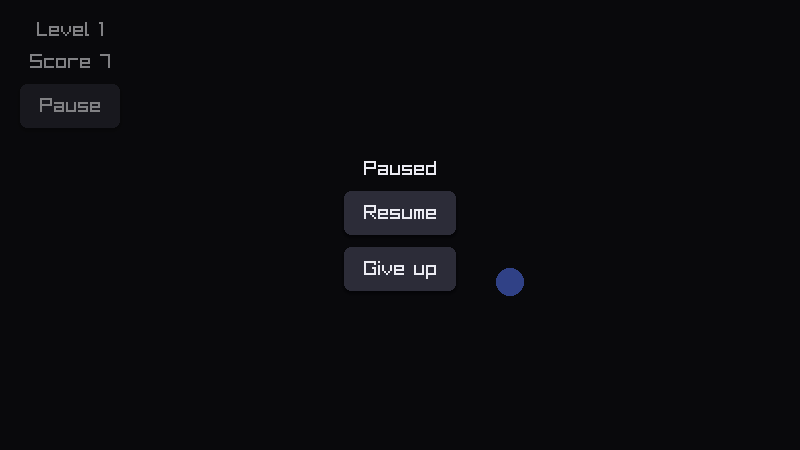
The defaults are a pause menu. Push a scene that touches none of them, and the world underneath freezes, stays visible, and stops hearing the keyboard — which is why a pause scene in this framework sets no policy at all:
class PauseScene : public rmp::Scene {
    void _draw() override {
        rmp::ui::begin();
        if (rmp::ui::button("Resume")) rmp::Scene::pop();
        if (rmp::ui::button("Menu")) rmp::Scene::change<MainMenuScene>();
        rmp::ui::end();
    }
};
With its begin()/end() pair turned into an
rmp::ui::overlay(), the same scene dims
or blurs the frozen game behind its menu, and takes every click and the focus while it is up.
What else a scene holds#
camera- What part of the world is on screen. It starts on the centre of the design resolution, so
while the window is the design size an untouched camera is the identity, one world unit to a pixel;
on a window of any other size it fits the world the way
[window] stretchsays, with that centre in the middle, and world{ 0, 0 }is no longer the top-left corner. Seermp::Camera. map- The level, loaded from a file made in a level editor. The scene draws it under everything and collides against its solid tiles; a menu scene simply never sets it.
gravity- The world's gravity in units per second squared,
{ 0, 980 }by default. Each object says how much of it applies to it, and none does until it asks. background- The colour the frame is cleared with.
BLANK, the default, means the theme's. Only the lowest scene that is drawn chooses it: the ones above are drawn over it.
Objects belong to a scene#
A scene owns its objects. spawn<T>()
makes one, puts it in the scene and calls its _ready(); the object is updated and
drawn with the scene, and ends with it. The reference it returns is good for the rest of the
frame:
auto &bullet = spawn({ .position = muzzle });
bullet.velocity = aim * 900;
Kept across frames, the reference can dangle, because a destroyed object's memory goes at the end of the frame it was destroyed in. What to keep instead is a handle, which knows when its object is gone.